
5 Essential Privacy Tools Every Remote Worker Should Be Using
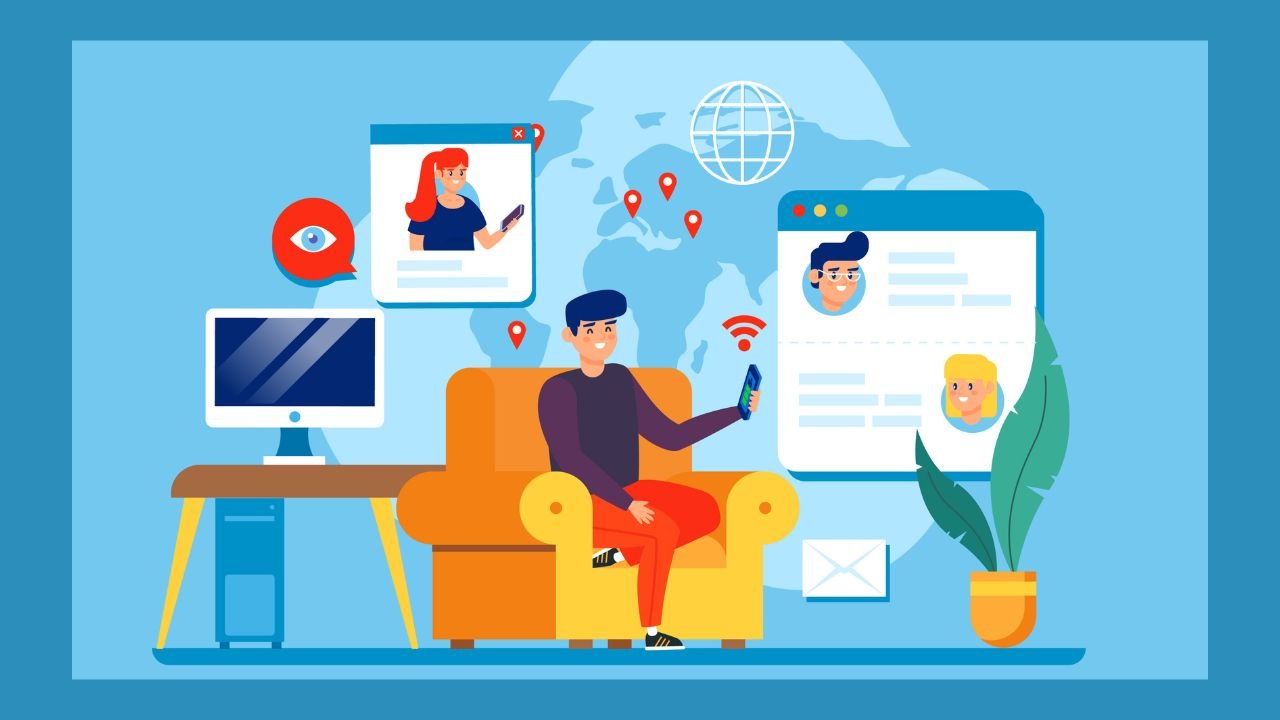
Working from the office, the virtual and physical firewalls, along with locked server rooms, were the only protection you needed. There was a team of experts who handled any threat. But when you work from a cafe or a spare room, none of those things work for you. It’s up to you to protect yourself from the outside world. The tools mentioned below are quite handy in that case.
A VPN Isn’t Optional Anymore
Whenever you’re on an unsecured network, you’re low-hanging fruit for a man-in-the-middle attacker, meaning someone who’s intercepted your communications between your device and the server. A VPN encrypts that traffic and hides your IP address, so the interception is effectively moot.
Good VPNs will use AES-256 encryption, have a kill switch, and offer DNS leak protection. That latter detail is more important when you understand there’s a high chance the kill switch is the only feature you’ve got protecting your traffic: should the VPN connection go down, the kill switch severs your entire connection instantly, stopping any unencrypted traffic leaking through. That’s what you see for the difference between a toy and a professional tool.
You can do a quick search for Surfshark deals and find these subscription services that cover all your devices for a couple of years. As an unlimited device VPN, it’s a no-brainer to install it on your laptop, phone, and tablet, or all three if you’re covering work and personal devices.
Passwords and the Credential Problem
Many individuals use the same passwords. Many businesses have experienced at least one breach that exposed employee credentials on the dark web. When these two realities intersect, you get credential stuffing, one of the easiest attacks to implement on a large scale.
A password manager can help with the reuse issue by creating long, random, and unique credentials for each account. But more importantly, when selecting a password manager, consider one built on a zero-knowledge architecture, so the company providing the service will not have access to your stored information. That’s the starting point. If a password manager cannot guarantee this, you should not use it for your work-related accounts.
The password manager should be used in combination with hardware-based MFA or an authenticator app on any platform that supports it. A leaked password would be of no use to a hacker if they also need physical access to your device or a rotating six-digit code to log in.
The Browser is Leaking More Than You Think
Searching for client research, competitor analysis, or market data creates a footprint. Beyond cookies, browser fingerprinting collects data from your screen size, browser plugins, time zone, and more. It’s a more difficult trace to eliminate than cookies, and one that most people aren’t even aware exists.
Privacy-first browsers or plug-ins that compartmentalize trackers and scripts limit the fingerprinting relatively well. This is relevant in your professional capacity, not just your personal. If you’re dealing with client data or conducting sensitive research, what you research and when you do it are business intel.
File Sharing Needs an Upgrade
Email attachments are not a secure transfer method. They remain in sent folders, forwarded threads, and backup servers indefinitely. And when the file contains contracts, client data, or proprietary work, that exposure multiplies over time.
Encrypted cloud storage with link expiration and password protection is the fix. The link self-destructs after a predetermined time, access can be cut, and you’ll receive an access log. Zero-knowledge encryption from the storage side means the platform can’t read your data.
74% of all breaches involve human error, misuse, or social engineering (Verizon DBIR, 2023). That’s the number behind using tools that will eliminate human mistakes. A tool that expires links automatically doesn’t leave access hanging for someone to abuse.
Physical Privacy is Still Privacy
This is overlooked because it’s not tech. A privacy screen, the polarized film that keeps your monitor from being visible from an angle, blocks visual hacking in any open office. Shoulder surfing is real, and the person sharing a table with you in a co-working space can read a contract or a client email as easily as you can.
Physical security is the last inch of a complete privacy setup. You can encrypt every byte of data in transit and still lose it because someone photographed your screen from the next table.
READ MORE
Carrying the Wall With You
The items mentioned here are not difficult to configure or costly to run. What they demand is that you think of privacy in the same way you do any other professional consideration, rather than as a “nice to have” personal choice. Your customers trust you with their data. Your employer trusts you with systems that are important to their business. That trust is earned or lost with each decision you make when you open your laptop in an unclean room. Develop the reflex. Run the tools. The wall is you.