
Dokie AI Review: Does It Actually Save Time for Professional Presentations?
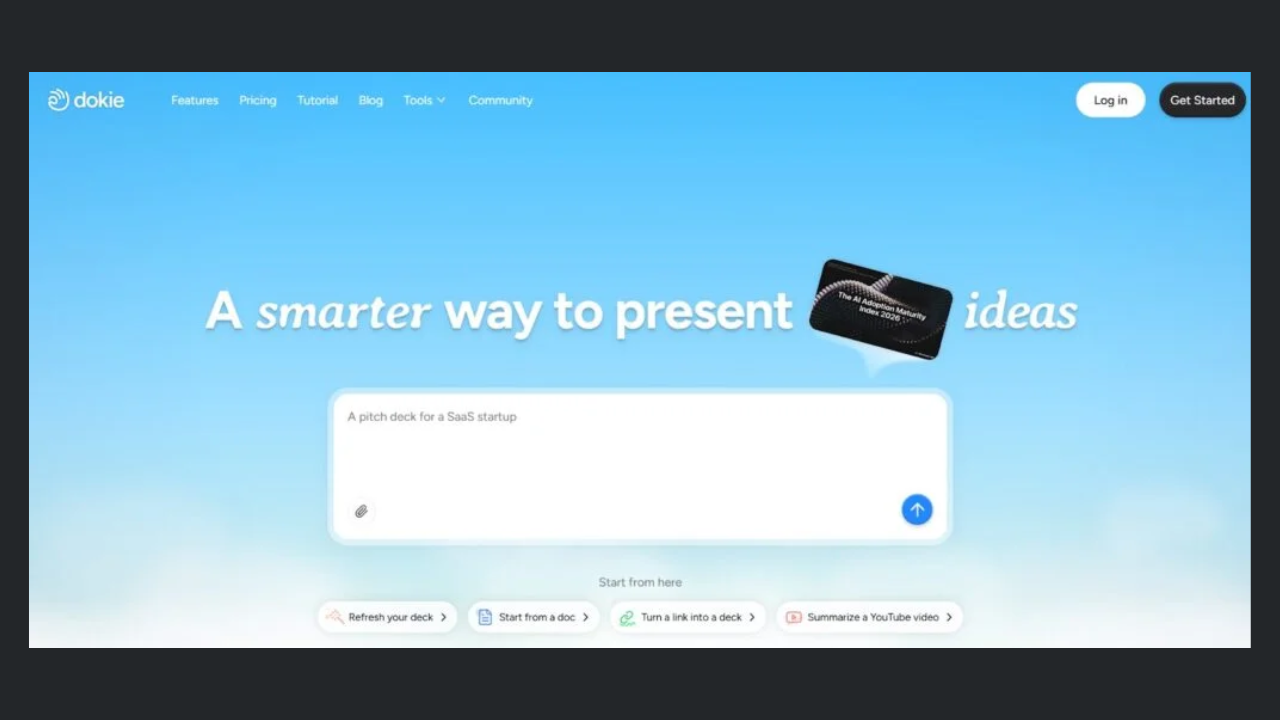
AI presentation tools promise speed. But speed alone is not enough. What really matters is whether they reduce your total time spent on slides.
This review looks at Dokie AI from that perspective.
The Real Cost of Making Presentations
Before evaluating Dokie AI, it’s important to break down where time is actually spent when creating slides:
- Thinking about structure
- Writing content
- Designing slides
- Reorganizing everything
Most AI tools only help with step 2 (content).
But in real workflows, step 1 and step 4 take the most time.
This is where Dokie AI focuses.
How Dokie AI Impacts Your Workflow
1. Faster Starting Point
Rather than starting from scratch, Dokie AI provides you with:
- A full outline
- Pre-structured slides
- Organized content
This removes the most difficult step: deciding what to include.
2. Less Rework
Many AI tools generate slides that look okay but require heavy editing.
With Dokie AI:
- The structure is already logical
- The flow is easier to follow
- You spend less time fixing things
This is where most time savings come from.
3. Faster Iteration
If you need to adjust the presentation:
- You can regenerate sections
- Modify content quickly
- Avoid rebuilding from scratch
This is especially useful for teams working under deadlines.
Free AI PPT Tools = Hidden ROI
One of the biggest advantages of Dokie AI is not just slide generation—it’s its free AI PPT tools.
These tools allow you to convert existing content into presentations, including:
- PDF files into PPT slides
- Word documents into presentations
- Plain text into structured slides
- Excel data into a presentation format
- JPG images into PPT slides
- PNG images into presentations
- HTML content into slides
- DOC files into presentation decks
This changes the workflow completely.
Instead of:
👉 Writing slides from scratch
You can:
👉 Convert what you already have
This is a major time-saving feature that many tools don’t offer.
Time Comparison: Dokie AI vs Traditional Workflow
Without Dokie AI
- Outline creation → 30–60 min
- Slide writing → 60–120 min
- Reorganization → 30–60 min
👉 Total: 2–4 hours
With Dokie AI
- Generate draft → 5–10 min
- Edit and refine → 30–60 min
👉 Total: ~45–70 min
Result
Dokie AI can reduce presentation time by 50%–70%, depending on the use case.
Real Use Cases
Marketing Teams
Marketing professionals create presentations frequently:
- Weekly reports
- Campaign updates
- Strategy decks
Dokie AI helps by:
- Structuring reports automatically
- Reducing repetitive work
Agencies
Agencies often work under tight deadlines.
Dokie AI:
- Speeds up client deck creation
- Reduces turnaround time
Founders
Startup founders need to build pitch decks quickly.
Dokie AI:
- Provides a strong structure
- Helps organize ideas clearly
Strengths That Impact ROI
1. Structure Quality
Better structure = less editing time.
2. Workflow Integration
The conversion tools allow you to reuse existing content.
3. Consistency
You get consistent slide quality across presentations.
Limitations (From an ROI Perspective)
1. Design Is Not the Focus
If you need highly polished visuals, you may need additional tools.
2. Not Ideal for Creative Work
It is optimized for business use, not storytelling.
3. Some Editing Still Required
It reduces work, but does not eliminate it.
Dokie AI vs Other Tools (ROI Comparison)
Dokie AI vs Gamma
- Gamma → faster generation
- Dokie → less editing
👉 Better ROI: Dokie AI
Dokie AI vs Beautiful.ai
- Beautiful.ai → better design
- Dokie → better content structure
👉 Better ROI for business: Dokie AI
Dokie AI vs Canva
- Canva → design-focused
- Dokie → productivity-focused
👉 Better ROI for frequent use: Dokie AI
Who Gets the Most Value
Dokie AI delivers the highest ROI for users who:
- Create presentations weekly or daily
- Work in structured environments (marketing, consulting, sales)
- Value time savings over design
It is less valuable for:
- Occasional users
- Design-focused roles
Is Dokie AI Worth It?
If you create presentations often, yes.
The key benefit is not just speed—it’s reduced total effort.
Over time, this adds up:
- Less stress
- Faster delivery
- More consistent output
READ MORE
Final Verdict
Dokie AI is not the most visually impressive tool. But it may be one of the most efficient.
By focusing on structure and offering free AI PPT tools, it solves real workflow problems that other tools often ignore.
If your goal is to save time on professional presentations, Dokie AI is a strong choice.
FAQs
1. Does Dokie AI really save time?
Yes, especially by reducing editing and reorganization.
2. What makes it different from other tools?
Its focus is on structure and workflow integration.
3. Are the free tools useful?
Yes, they help convert existing content into slides quickly.
4. Is it suitable for teams?
Yes, especially for teams that frequently create presentations.
5. Can beginners use it?
Yes, it is simple and easy to learn.